
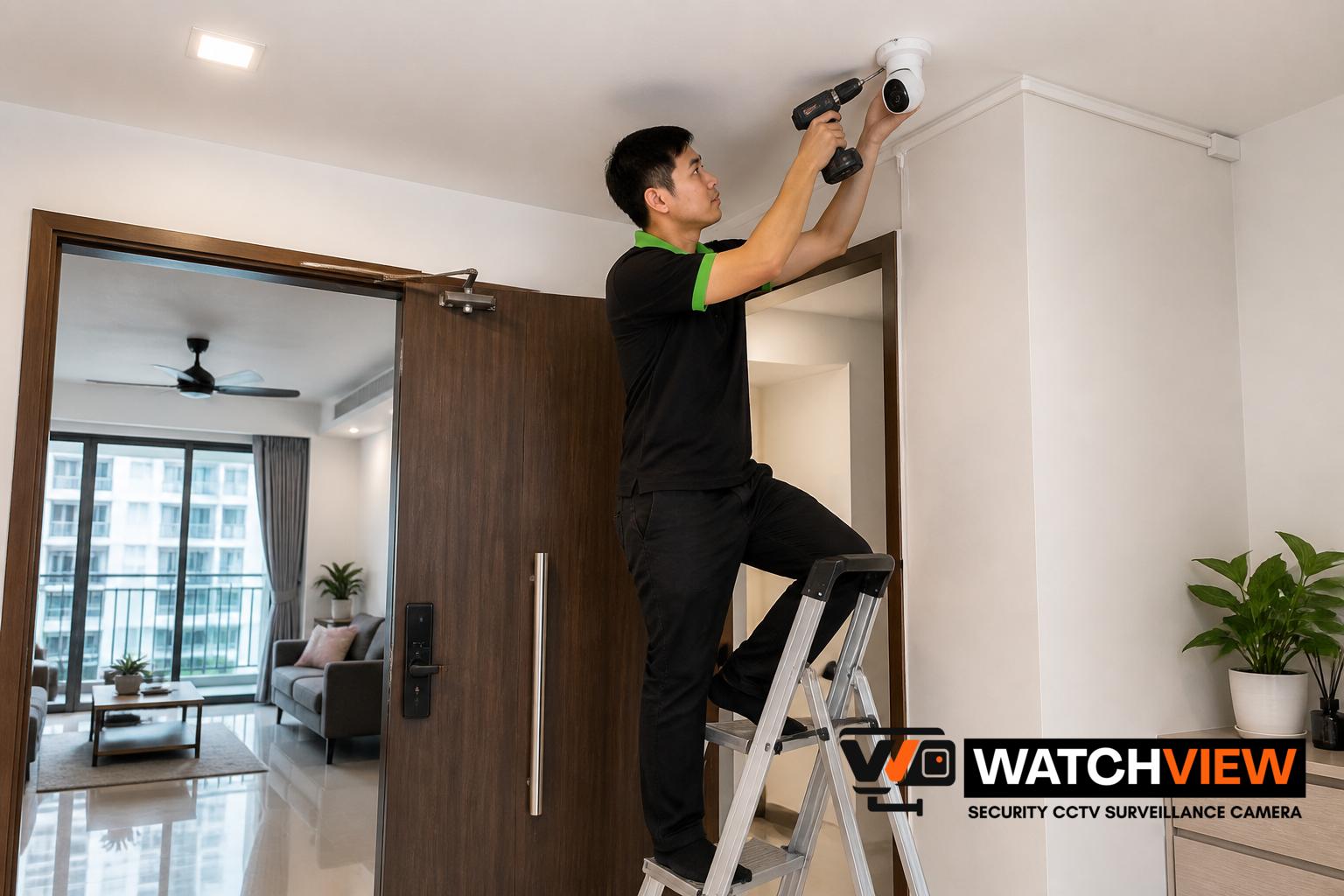
Older CCTV systems in Singapore homes can often be replaced with Wi-Fi cameras when homeowners want a simpler setup, easier viewing on mobile devices and less dependence on long cable runs. The right approach depends on what existing system is already in place, how the cameras were originally powered, and whether the current recording equipment can still be used or should be removed. For HDB flats, condominiums and landed homes, the replacement process is usually about balancing convenience, coverage and tidy installation rather than changing everything at once.
Why homeowners consider moving from older CCTV to Wi-Fi cameras
Many older home CCTV setups were built around analogue recorders, bulky power adapters and fixed cabling routes. Over time, these systems may feel less practical because viewing footage is not as convenient, parts are harder to replace, or the cameras no longer meet current needs for remote access. Wi-Fi cameras can offer a more flexible way to monitor entrances, common rooms, gates and driveways without relying on the same type of legacy recorder.
Homeowners often look at replacement when they want app viewing, simpler placement, or a smaller physical footprint. In some homes, Wi-Fi cameras are also considered when the old wiring has aged, the existing recorder is not performing well, or the current camera locations need to be adjusted for better coverage.
Check what kind of old CCTV system is already installed
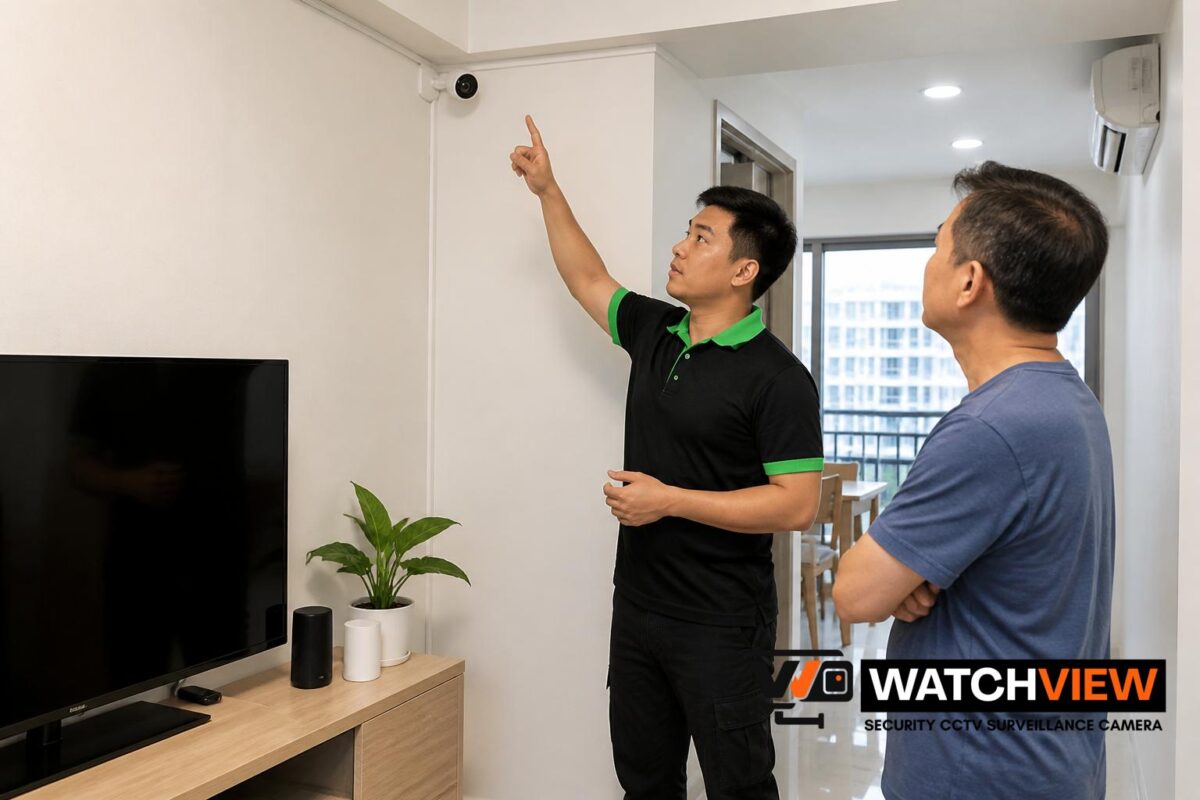
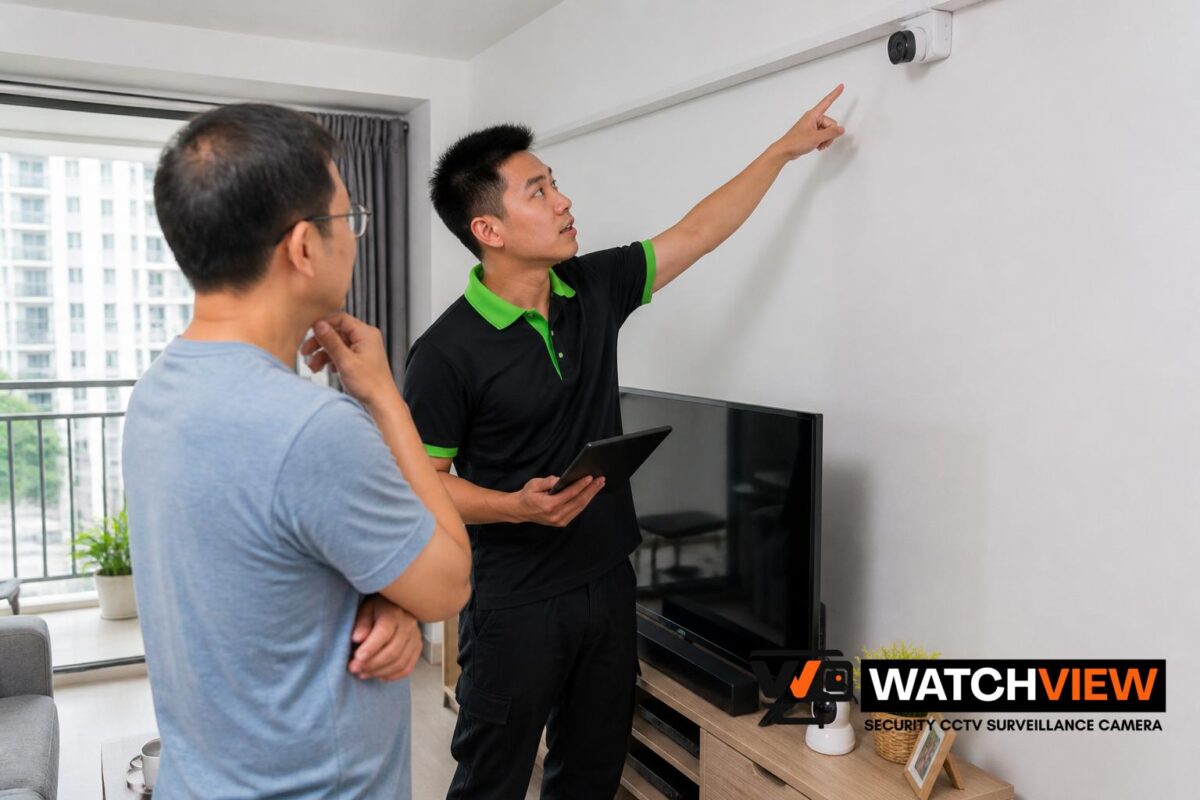
Before replacing anything, it helps to identify whether the existing system uses analogue cameras, IP cameras, or a mixed setup. This affects whether cables can be reused, whether the existing power supply is suitable, and whether any network points are already available. In Singapore homes, older systems are often tied to a dedicated DVR and separate power lines, while newer IP systems may already share some network infrastructure.
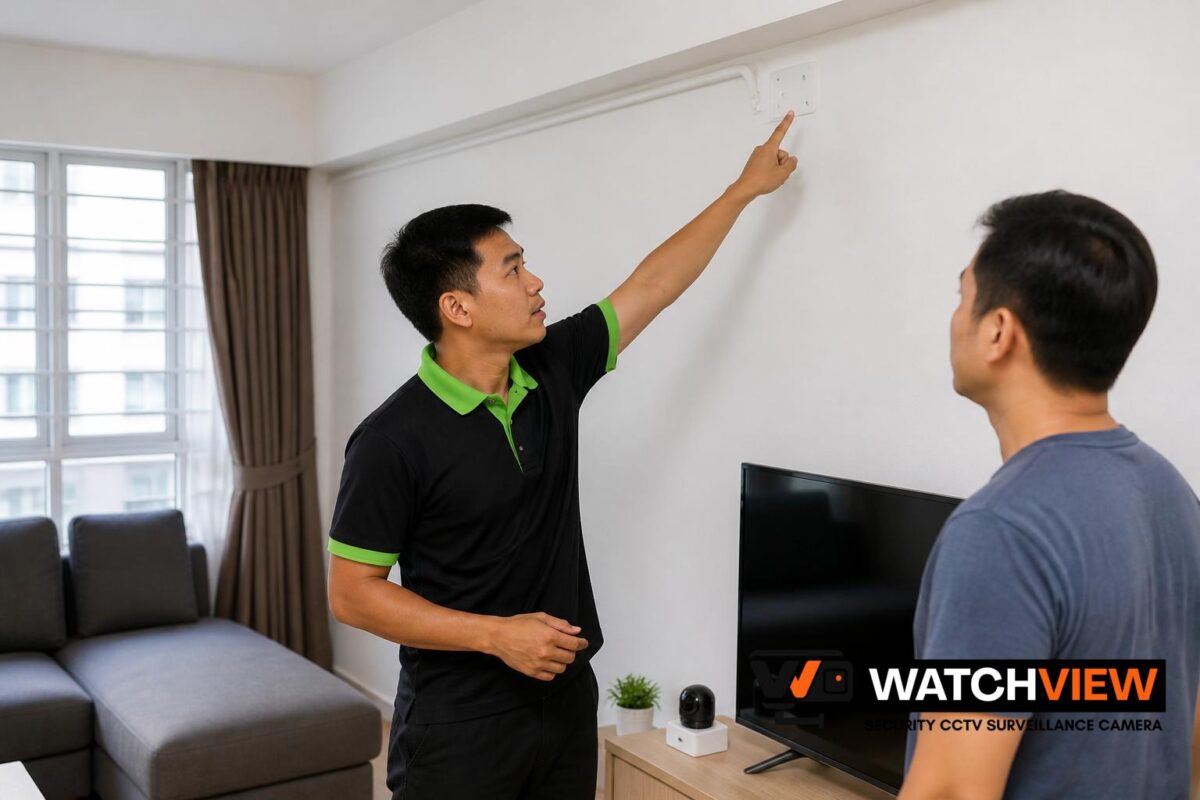
A proper assessment should also look at the condition of the mounting points, exposed cabling and any old power adapters or recorders. In some cases, parts of the original installation can be removed cleanly and replaced with a neater Wi-Fi camera arrangement; in others, some cabling can be retained for power support or for a hybrid setup.
How Wi-Fi cameras are typically installed in a home replacement
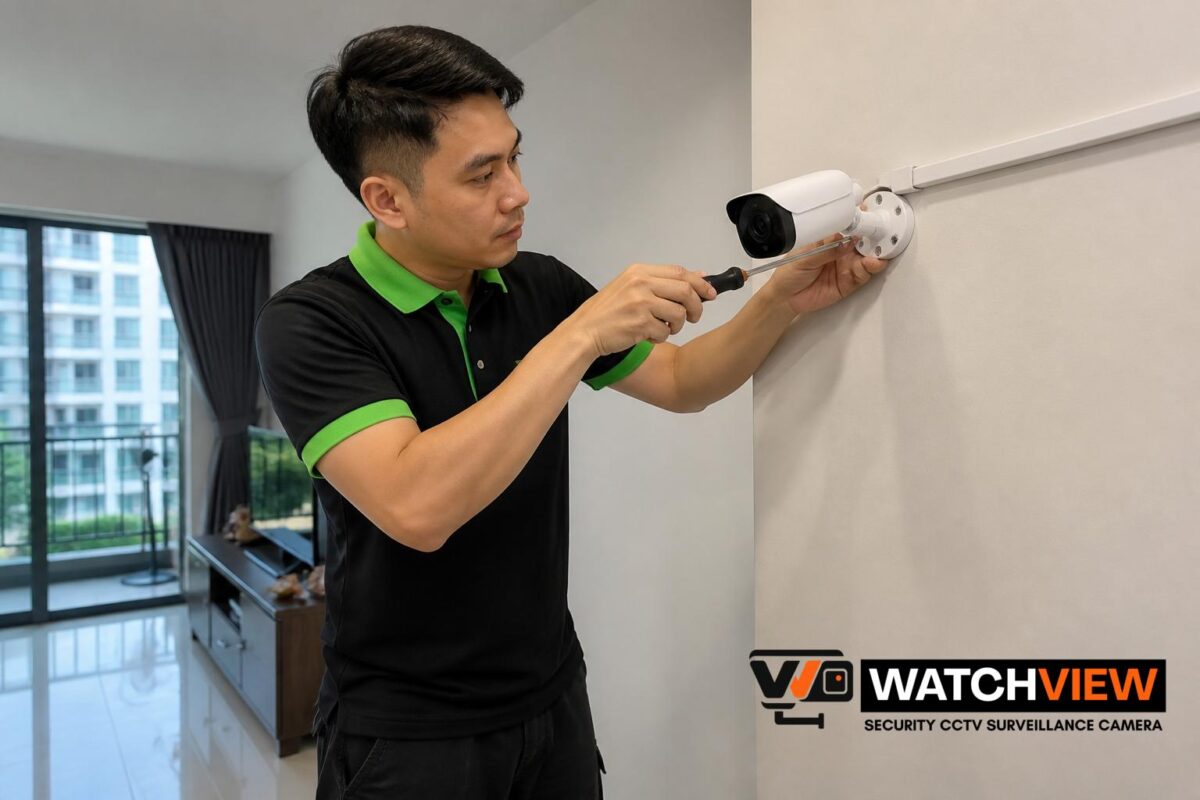
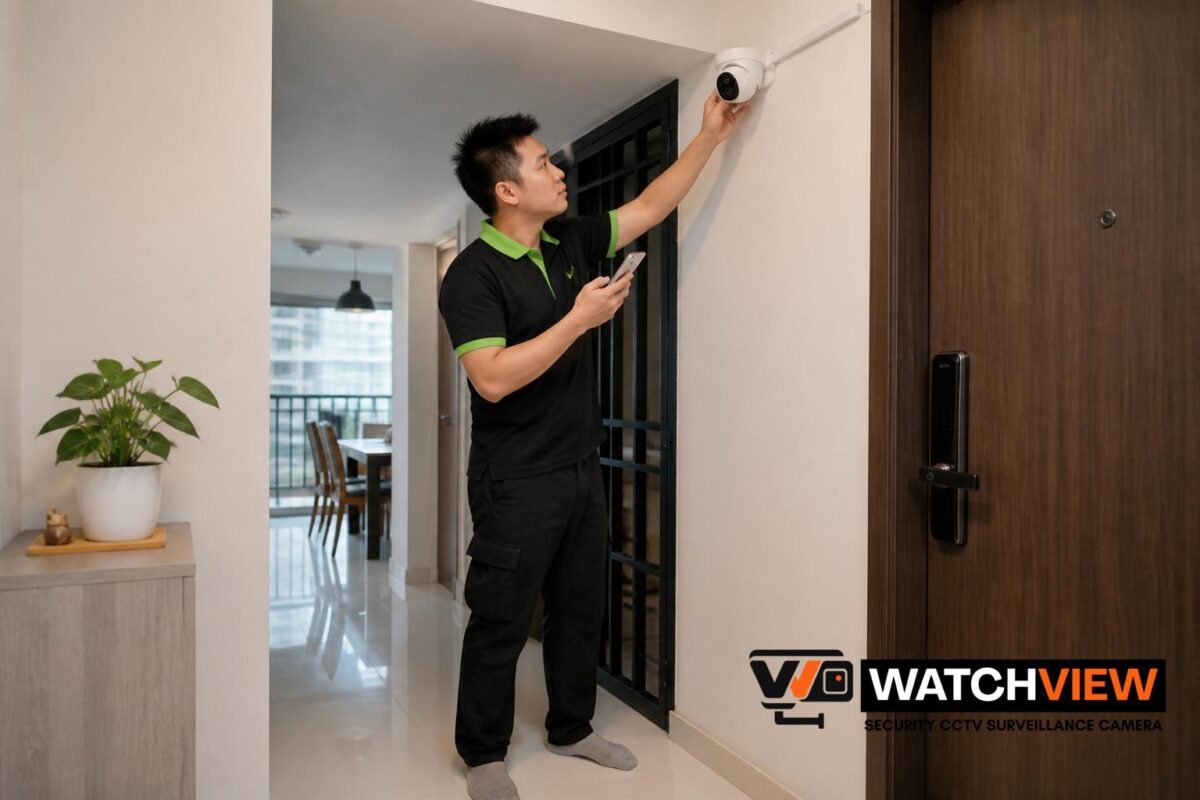
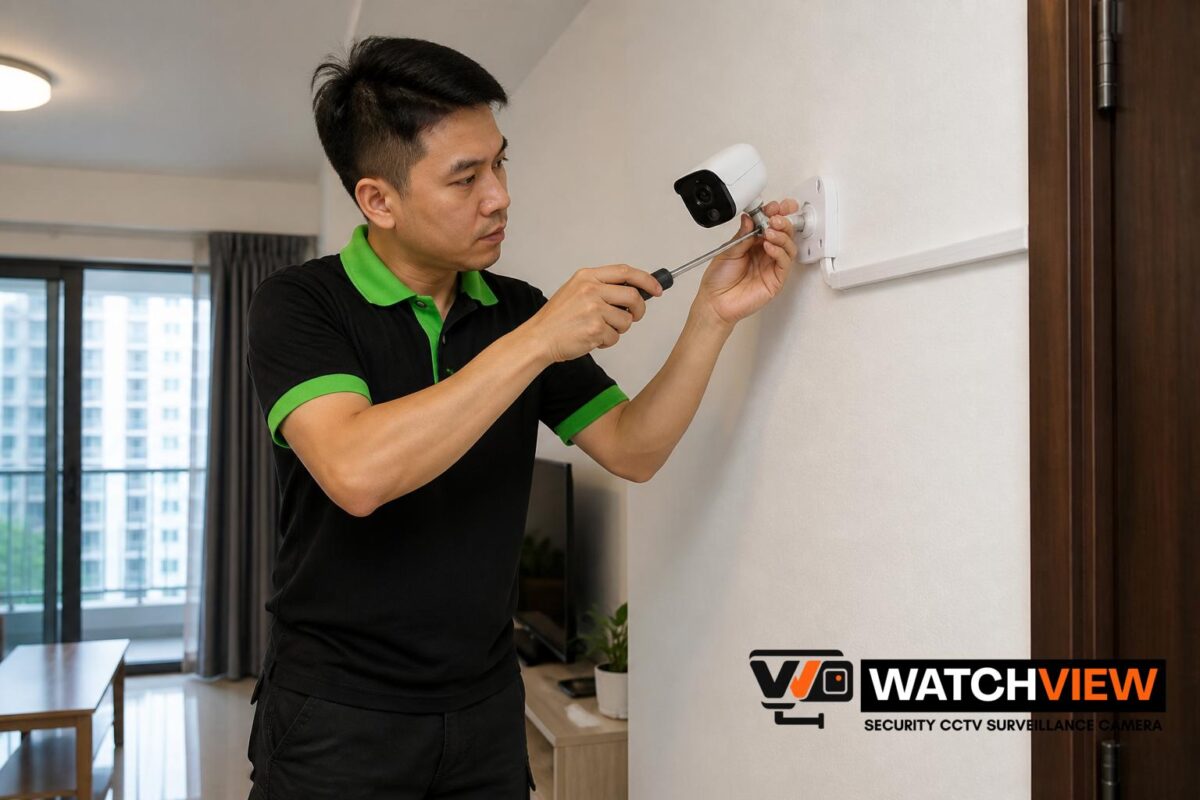
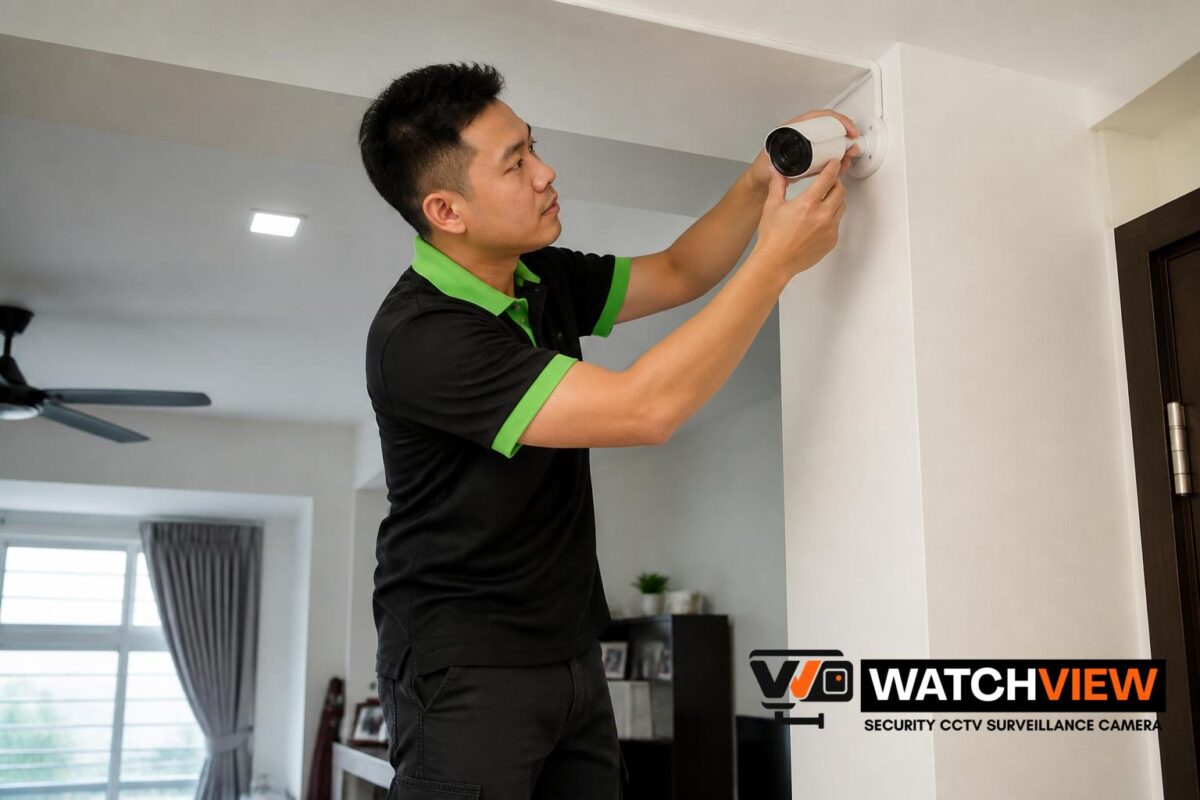
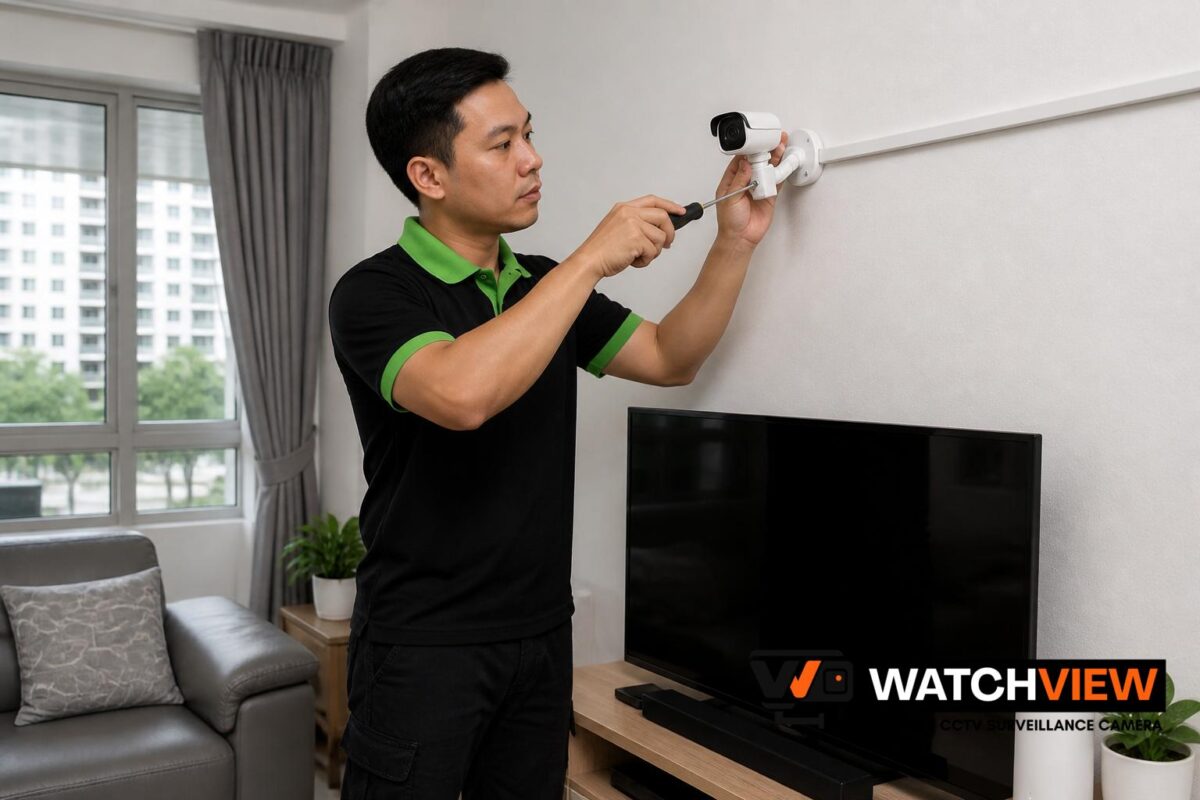
Replacing older CCTV with Wi-Fi cameras does not always mean every camera becomes completely wireless. Most Wi-Fi cameras still need power, so the installation usually focuses on selecting suitable camera locations, mounting them securely and ensuring there is a reliable power point nearby. Some models may connect directly to a home network, while others may also support local storage or cloud-based viewing, depending on the chosen system.
For Singapore homes, neat routing of any necessary power cable remains important. A good replacement should avoid messy surface wiring where possible and should place cameras where they can clearly cover entrances, corridor approaches, lift lobby-facing areas where permitted, back gates or car porches, depending on the property type. The goal is to improve usability while keeping the finished installation practical and tidy.
What to consider before removing the old recorder and cameras
It is worth deciding whether the old DVR or NVR can be kept as a temporary backup, reused for other cameras, or removed entirely. Some homeowners prefer a full replacement, while others want a gradual upgrade and may keep one or two legacy cameras running for a period of time. The right choice depends on whether the old equipment still works, how much storage is needed, and whether the Wi-Fi cameras will provide the coverage that the home actually needs.
Another important point is that Wi-Fi cameras rely on the home network. If the signal is weak at the intended camera location, the installation plan may need to be adjusted. In some homes, this means choosing different mounting positions, adding a nearby access point, or using a wired power support strategy even though the camera itself communicates over Wi-Fi.
Choosing camera locations for better coverage
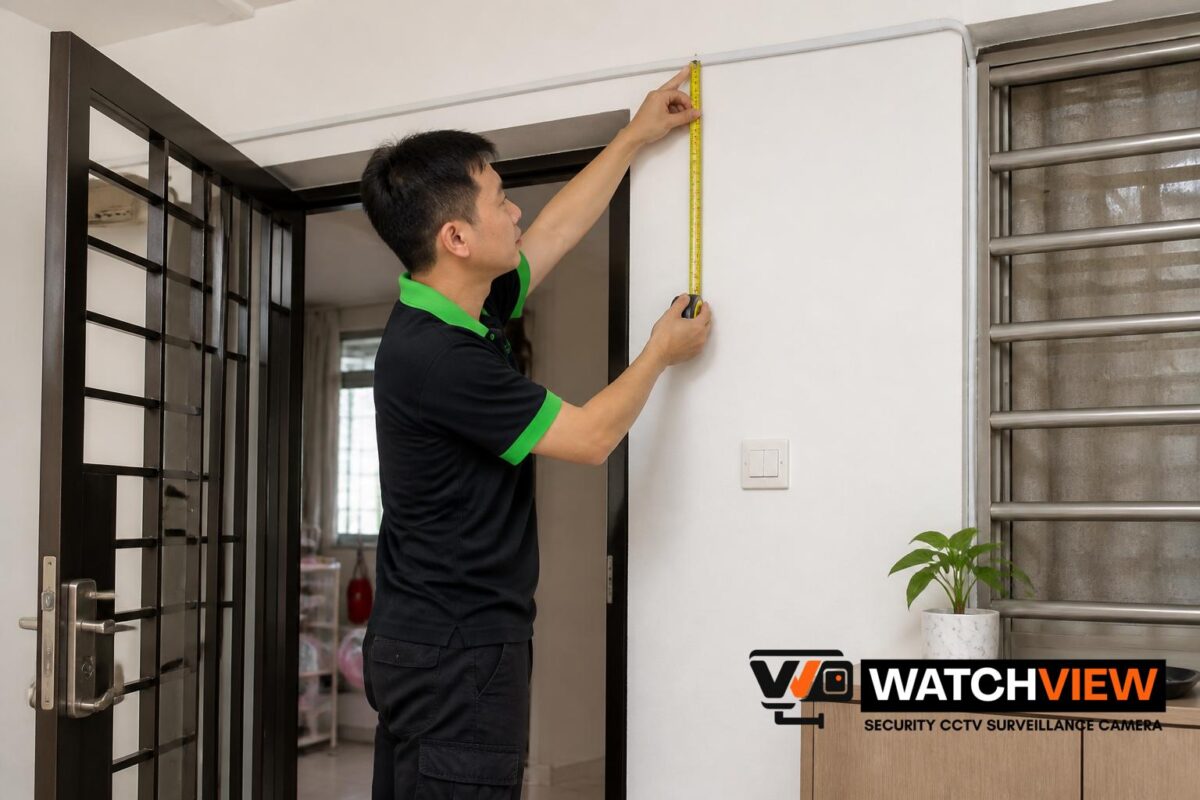
Good placement matters just as much as the camera type. When replacing older CCTV systems, homeowners should think about what the system is meant to observe: the main entrance, service yard, back gate, balcony access point, staircase landing, driveway or living area. Wi-Fi cameras are often chosen for their convenience, but they still need sensible positioning to be useful.
Useful placement planning usually considers:
- the angle of approach to the entrance or access point
- daylight and night-time visibility
- whether the camera can be mounted securely on a wall or ceiling
- how to keep cable routing discreet and safe
- whether the location is indoors, semi-outdoor or exposed to weather
For landed homes, external mounting points often require more careful planning than indoor rooms. For HDB flats and condominiums, the location may also need to be chosen with building layout and practical access in mind.
When installation-only support makes sense
Some homeowners already have their own Wi-Fi cameras and only need professional installation. This can be a sensible option when the equipment is suitable but the mounting, cable routing or final setup still needs proper handling. Installation-only support is also useful if the old CCTV system has already been removed and the new cameras are ready to be fitted in place.
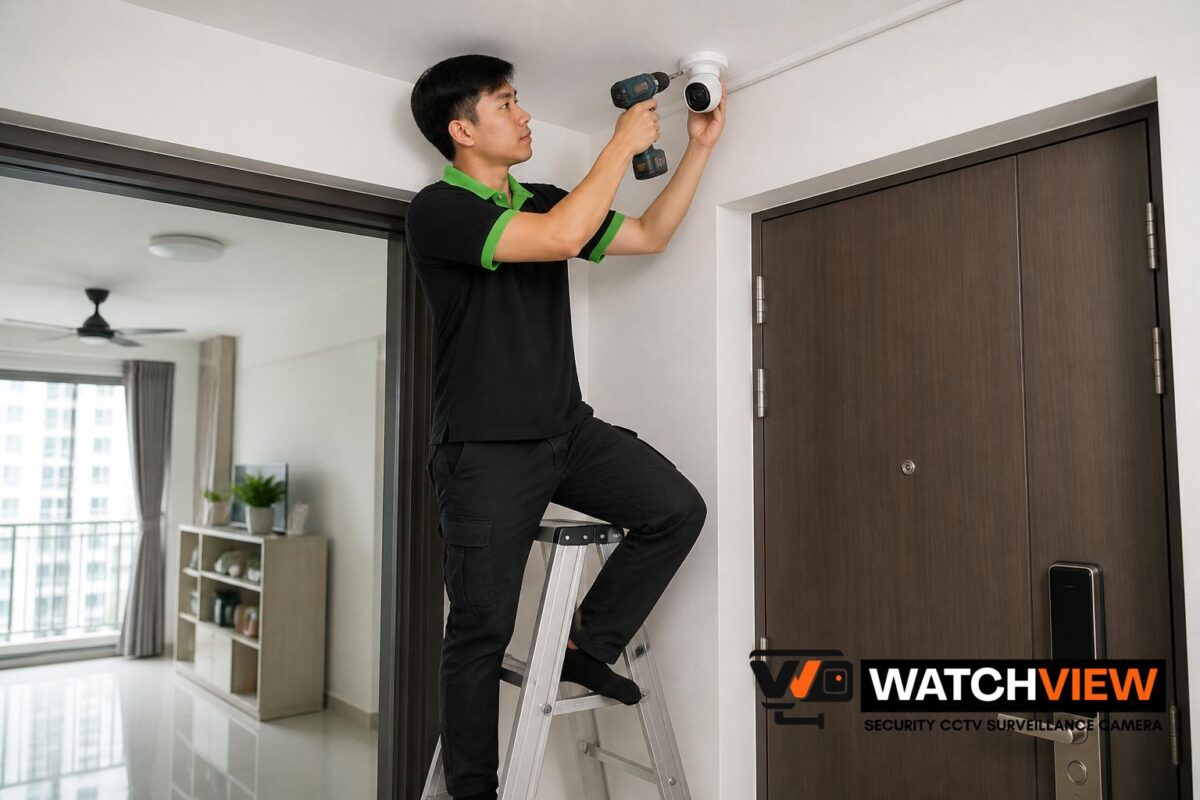
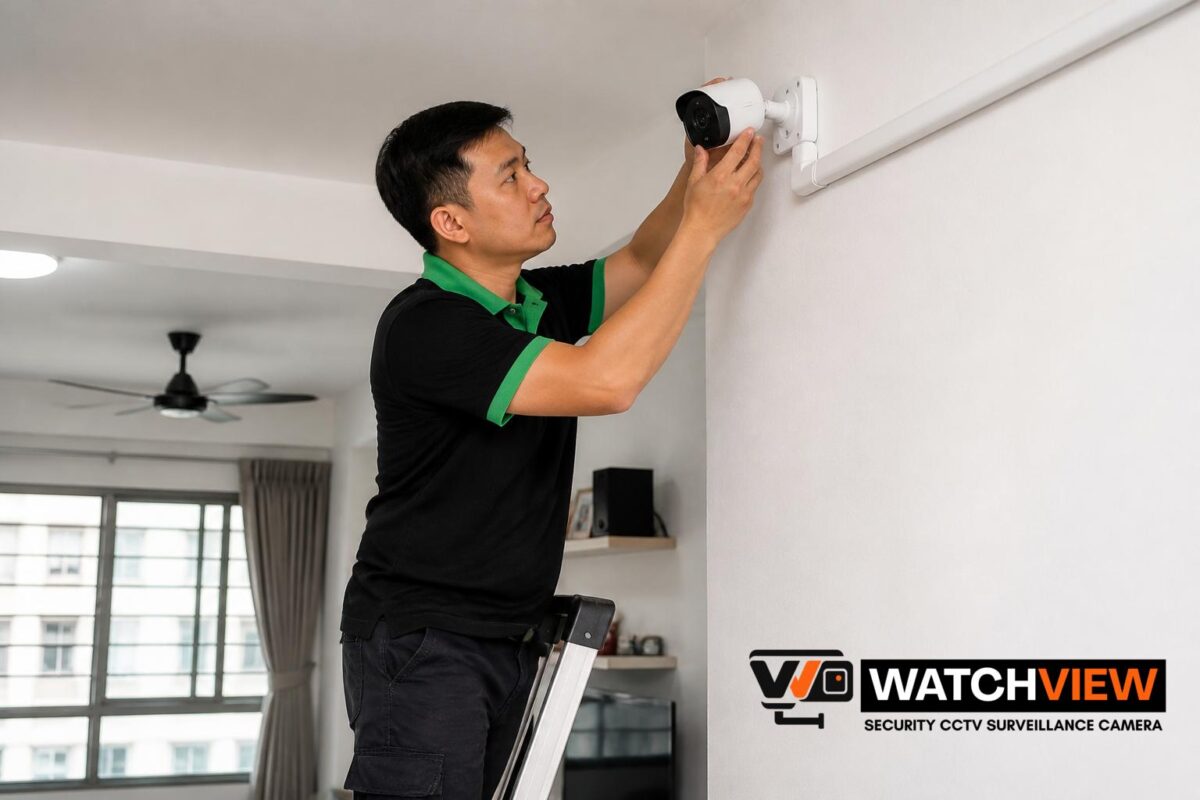
Installation-only work usually covers secure mounting, basic cabling, power-point support where needed, and final setup testing. It is especially helpful when the homeowner wants the new cameras positioned correctly without having to manage drilling, alignment or cable finishing alone. For a replacement project, this can reduce the disruption of changing from old CCTV equipment to a Wi-Fi-based system.
Common issues to plan for during the swap
Replacing older CCTV with Wi-Fi cameras is usually straightforward, but a few issues can affect the final result. The most common are weak wireless signal, lack of nearby power, unsuitable old mounting holes, and differences between the old recording method and the new one. Planning ahead helps avoid frustration after the old system has already been removed.
Homeowners should also think about storage preferences. Some Wi-Fi cameras record to local memory cards, others to a base station or NVR, and some support app-based cloud features. The best choice depends on how the homeowner wants to view footage, how many cameras are being replaced, and whether continuous recording or event-based recording is needed.
How to make the upgrade neat and practical
A well-planned replacement should not only improve viewing convenience but also look tidy once installed. That usually means removing redundant old cables where possible, reusing existing routes only when appropriate, and making sure the new camera positions match the home’s layout. In Singapore homes, a neat finish is especially important because CCTV equipment is often visible in living spaces, entrances and external walls.
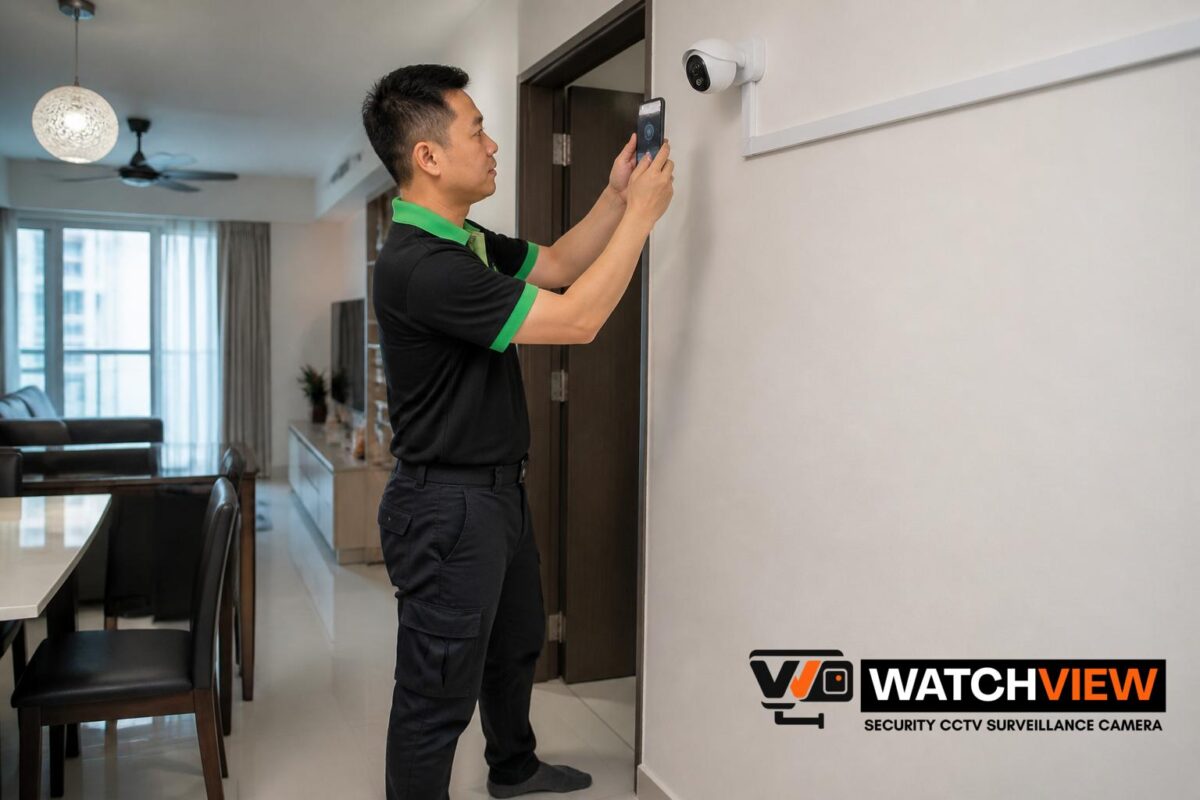
It also helps to test each camera after installation. This includes checking live view on the app, confirming the angle, making sure the power supply is stable and verifying that the selected storage method works as intended. A proper final check reduces the chance of discovering coverage gaps later.
If you are replacing an older CCTV system in your Singapore home with Wi-Fi cameras, WhatsApp WatchView Security CCTV Surveillance Camera Singapore at this link to discuss your property type, number of cameras, supply-and-install or installation-only scope, intended camera locations, existing equipment, cabling or power-point needs and preferred schedule.
Conclusion
Replacing an older CCTV system with Wi-Fi cameras can be a practical upgrade for Singapore homeowners who want easier day-to-day use, more flexible camera placement and a neater modern setup. The best results usually come from checking the existing system carefully, planning camera locations properly and choosing an installation approach that suits the home’s wiring and power conditions. With the right planning, the switch can be done in a way that is simple, organised and suited to the property.
Choose WatchView Security CCTV Surveillance Camera Singapore
WatchView Security CCTV Surveillance Camera Singapore provides practical residential CCTV solutions for homeowners looking to monitor indoor spaces and sheltered areas around their homes. Explore our services to learn more about CCTV surveillance camera, home CCTV, security camera, home security camera, home IP camera and CCTV camera solutions, including both supply-and-install and installation-only arrangements for compatible cameras.
Homeowners can also view our products to explore suitable camera options and refer to our pricing for more information on available installation arrangements. For examples of completed residential setups, visit our projects, while our blogs provide practical information on camera placement, home monitoring, CCTV systems and other considerations when planning CCTV security cameras for home use.
Serving households across Singapore, WatchView Security CCTV Surveillance Camera Singapore focuses on suitable camera coverage, dependable workmanship and straightforward recommendations based on each home’s requirements. Contact us for further enquiries via WhatsApp at +65 8241 0032 to enquire about your home CCTV and security surveillance camera requirements.
Frequently Asked Questions
Can old CCTV cables be reused for Wi-Fi cameras?
Sometimes they can be reused for power support or to help with the new installation, but it depends on the condition of the existing cabling and whether the new camera locations match the old routes. In many homes, part of the old infrastructure can be removed while selected sections are kept if they are still useful.
Do Wi-Fi cameras still need power if they are wireless?
Yes, most Wi-Fi cameras still need a power source even though they connect through wireless internet. The term “wireless” usually refers to the network connection rather than a completely cable-free installation.
Is it better to replace all old cameras at once?
Not always. Some homeowners prefer a full replacement, while others upgrade in stages depending on budget, coverage needs and how much of the old system can still be used. The better option depends on the condition of the current equipment and the desired final setup.